

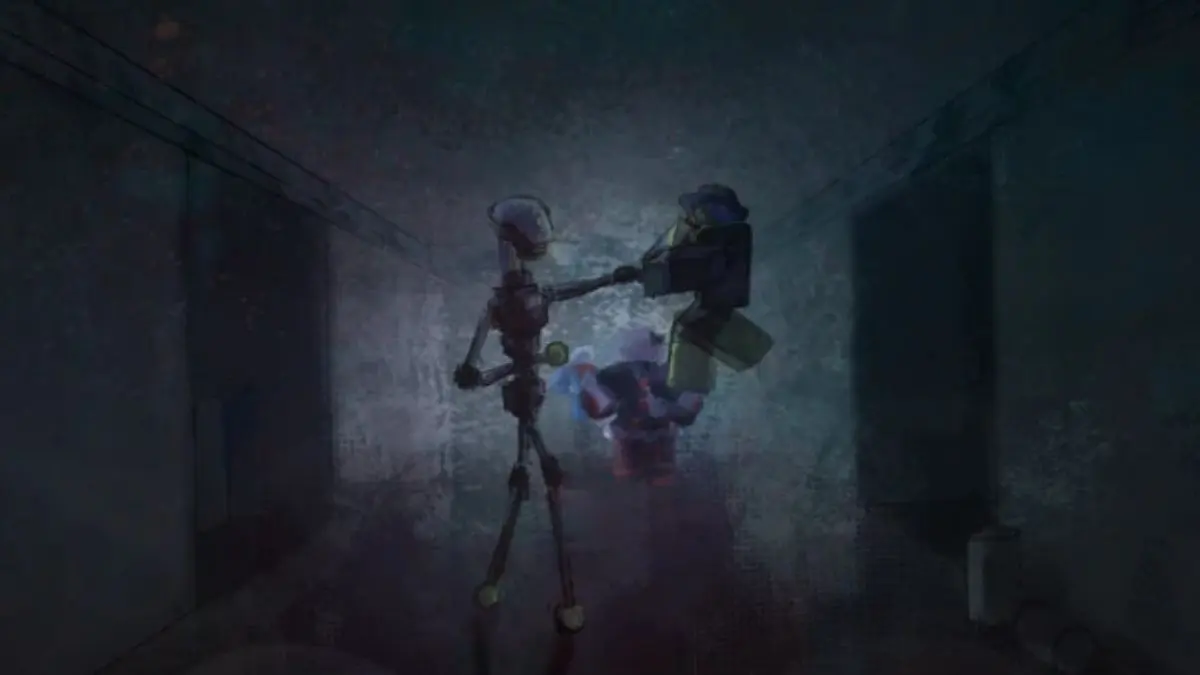

I heard the hum before the lights went out. You crouch at the workbench, palm sticky from rust and wire—E.I.B.E.R.R. is one misstep away from waking. The garage felt like a pressure cooker—every creak a countdown.
I write about code drops and haunted Roblox builds for a living. I’ll show you what’s new, how to claim it fast, and what to do when the game refuses to cooperate. You keep your hands steady; I’ll keep the map.
A fresh ping on February 19, 2026, and the Discord exploded — All New Self-Aware Robot Codes
Codes are tiny lifelines, like matches in a blackout. Redeem them and you get revives that buy time while the team scrambles through puzzles and corridors around E.I.B.E.R.R.
- COOODE: 2 Revives NEW
What are the Self-Aware Robot codes for the new update?
COOODE is the live code added on February 19, 2026. Type it into the game’s Codes box to receive 2 revives instantly.
A quick scan of the server list shows no retired tags — Expired Self-Aware Robot Codes
Good news: there are currently no expired codes flagged by the developer. That can change fast, so treat active codes as time-sensitive.
I launched a test run to confirm the flow — How to Redeem Self-Aware Robot Codes
Follow these four fast steps while you still have the lobby to yourself:
- Open Self-Aware Robot on Roblox.
- Press Start, then click the Codes tab on the main menu.
- Paste a working code into the text box exactly as shown above.
- Hit Enter to collect your revives.
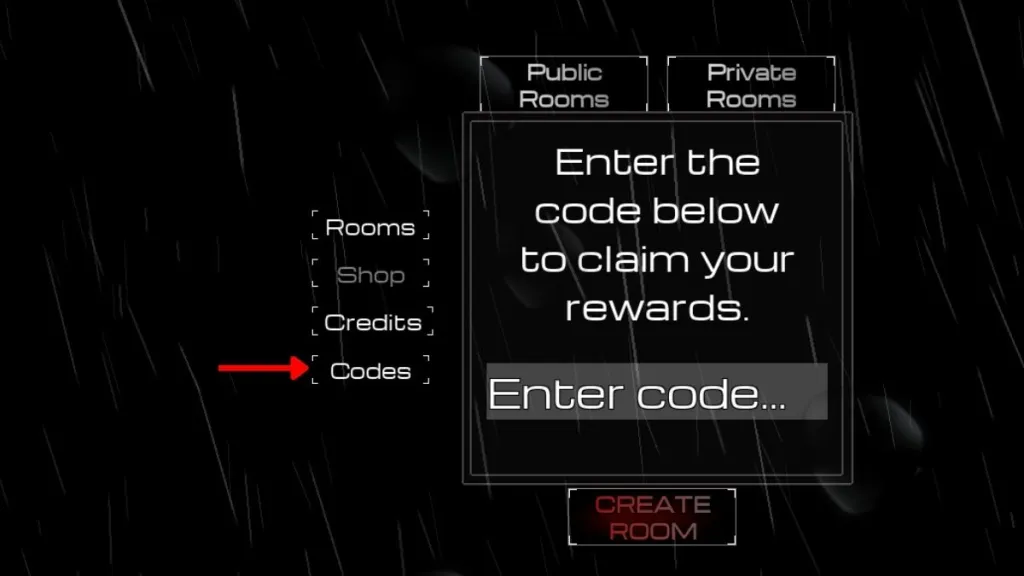
The game’s Discord ‘game-news’ channel lights up first — How to Get More Self-Aware Robot Codes
If you want the fastest hits: join the developer’s Discord and the Roblox group, then pin this page for reference.
- Join the official Self-Aware Robot Discord and watch the game-news channel.
- Join the Roblox community mblg to qualify for some in-game rewards.
- Save this page so you can copy codes without hunting across socials.
A quick refresh often fixes the glitch — Why Are My Self-Aware Robot Codes Not Working?
Servers, connections, and timing cause most failures. If a code refuses to accept, try these moves that have worked on my tests:
- Leave the current server and join a different one, then attempt redemption again.
- Check your internet — unstable Wi‑Fi can drop the validation step.
- Copy and paste codes directly from this list to avoid typos.
Why can’t I redeem codes in Self-Aware Robot?
Redeeming usually fails when you’re on an older or full server or when the code has already expired. Restart the game, join a new server, and paste the code exactly as displayed.
So — will you spend those revives to probe deeper into E.I.B.E.R.R.’s chassis, or hoard them for the final room?
Support our work ❤️
If you enjoyed this article, consider leaving a tip to help us keep publishing great content.
