

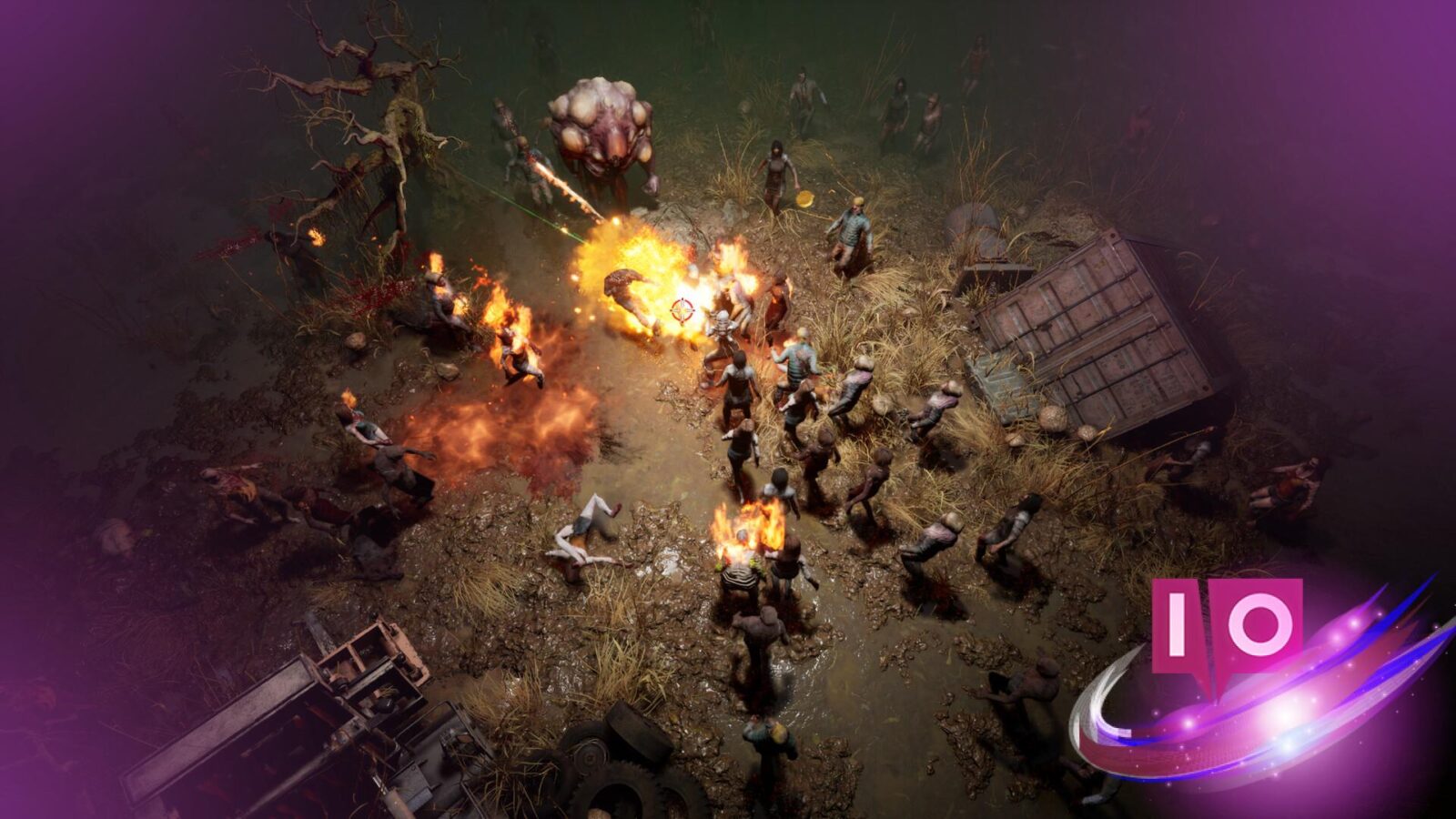

The ambush came suddenly. One moment, I was scavenging for scrap; the next, surrounded. As the screen faded to black, I muttered, “There has to be a better way.” Thankfully, Reincarnation Insurance Program, or R.I.P., might be the hardcore looter-shooter we’ve been waiting for, but only if we can master its somewhat unique control scheme.
R.I.P. is available on PC, offering the choice between a controller or the default keyboard and mouse layout. Let’s examine the default bindings for both input methods, so you can get straight into the action.
Keyboards vs. Controllers: Choosing Your Weapon
Have you ever watched someone fumble with controls in a crucial moment? Don’t let that be you. Here’s a breakdown of the default keyboard and mouse controls for R.I.P.:
| Action | Input |
|---|---|
| Left | A |
| Back | S |
| Right | D |
| Up | W |
| Interact | E |
| Toggle Auto-Fire | Q |
| Menu | Esc |
| View Combat Progression | Tab |
| Reload | R |
| Tactical Skill | F |
| Open Inventory | B |
| Dash | Spacebar |
| Hide/Show UI | Y |
| Fire | LMB |
| Throw Grenade | RMB |
Controller Configuration: A New Language?
Remember that time you tried to assemble furniture without instructions? That’s what playing without knowing your controller layout feels like. Here’s your translator:
| Action | Input |
|---|---|
| View Combat Progression | Nav Button |
| Tactical Skill (Aim) | LT |
| Throw Grenade | LB |
| Move | LS |
| Navigate | D-pad |
| Menu | Menu Button |
| Fire/Tactical Skill (Cast) | RT |
| Reload | RB |
| Toggle Auto-Fire | Y |
| Dash | B |
| Interact | A |
| Open Inventory | X |
| Aim | RS |
Can I remap controls in R.I.P.?
Currently, R.I.P. doesn’t allow remapping of the default controls. The experience is the same whether you’re using a keyboard and mouse or a controller. The good news is that the development team at NetEase is planning to add this feature in a post-launch patch during early access.
Once the feature is implemented, expect to find a “customize” option within the settings menu, where you’ll be able to tweak both keyboard/mouse and controller configurations.
What kind of controller is best for playing R.I.P. on PC?
Most modern PC-compatible controllers, such as those from Xbox and PlayStation, will work seamlessly with R.I.P.. However, a controller with programmable buttons, like the Xbox Elite Wireless Controller Series 2 (€150 approx.) or a similar model from Razer, could offer a slight advantage. The ability to map less-frequently used actions to easily accessible buttons is like having an extra gear in a race.
How will remapping controls affect my gameplay in R.I.P.?
Customizing your controls can significantly impact your gameplay. Imagine a world where reloading is at your fingertips, and firing feels perfectly natural. Once enabled, remapping will let you set up a personalized configuration that fits your playstyle and optimize reaction times, granting you a competitive edge.
Will the freedom to remap controls truly level the playing field, or will it just introduce a new set of challenges?
Support our work ❤️
If you enjoyed this article, consider leaving a tip to help us keep publishing great content.
